
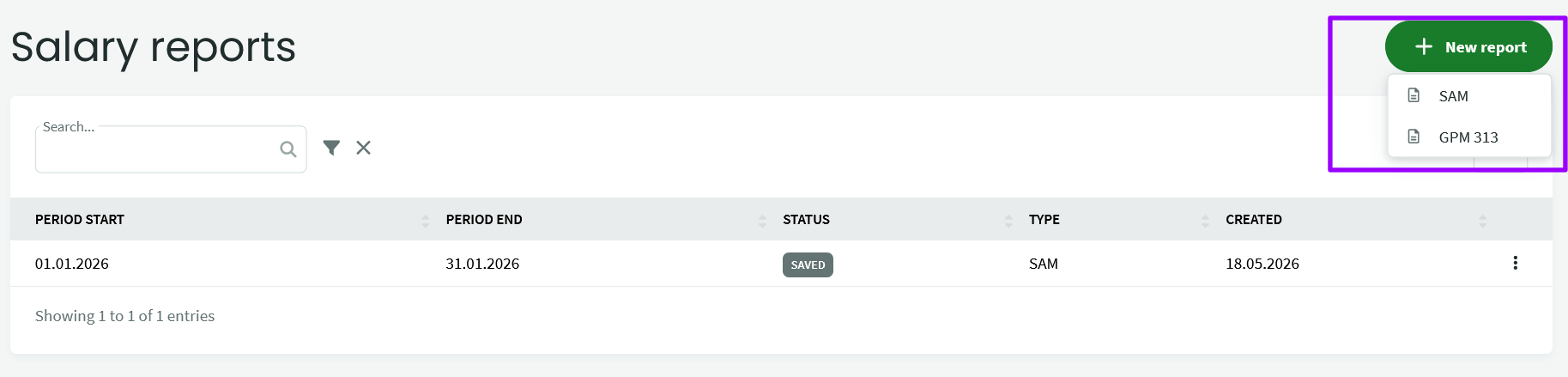
If you want to generate payroll declarations for the VMI and the Sodra, select the menu: Salaries – Reports – + New report and choose SAM or GPM report. In the opened side window, select the period (usually a monthly period) and save it.
In the window that opens, you will see the generated data for the declaration.
If you change the data in payroll details, return to the declaration and click “Update report” – the data in the declaration will update according to the information in the accruals.
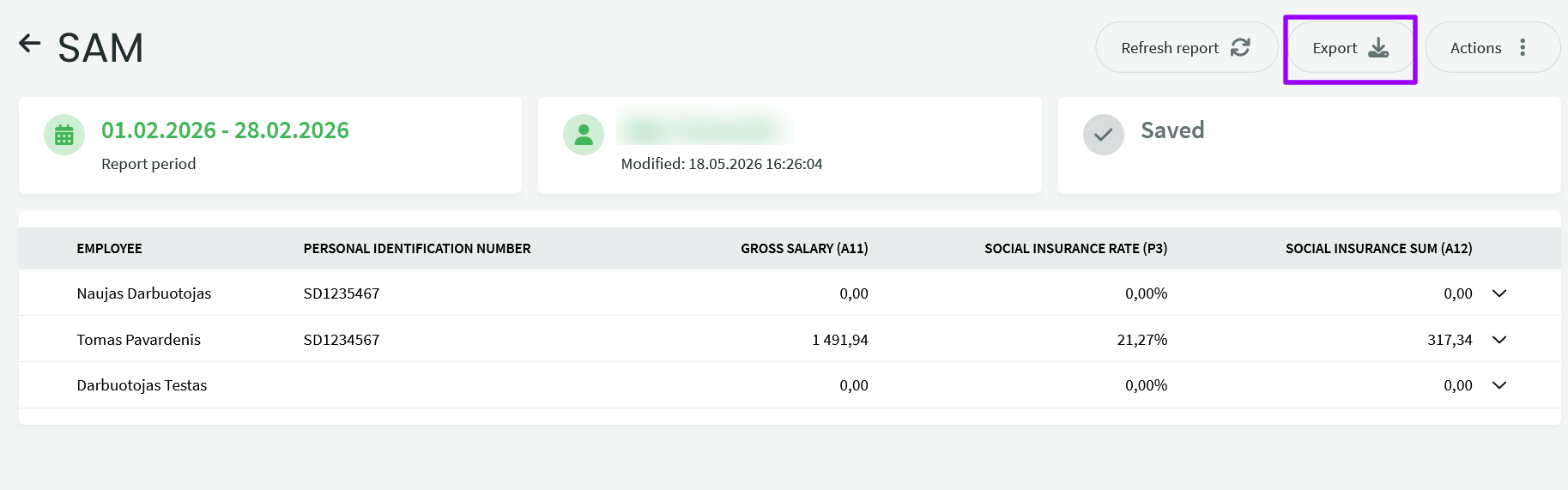
To submit a declaration to Sodra or VMI, click the “Export” button – the program will save the generated file on your computer – upload it to the Sodra or VMI system.
You can find more about payroll accounting in the article Payroll Accounting.
If you have any questions, write to us at support@simplbooks.lt.